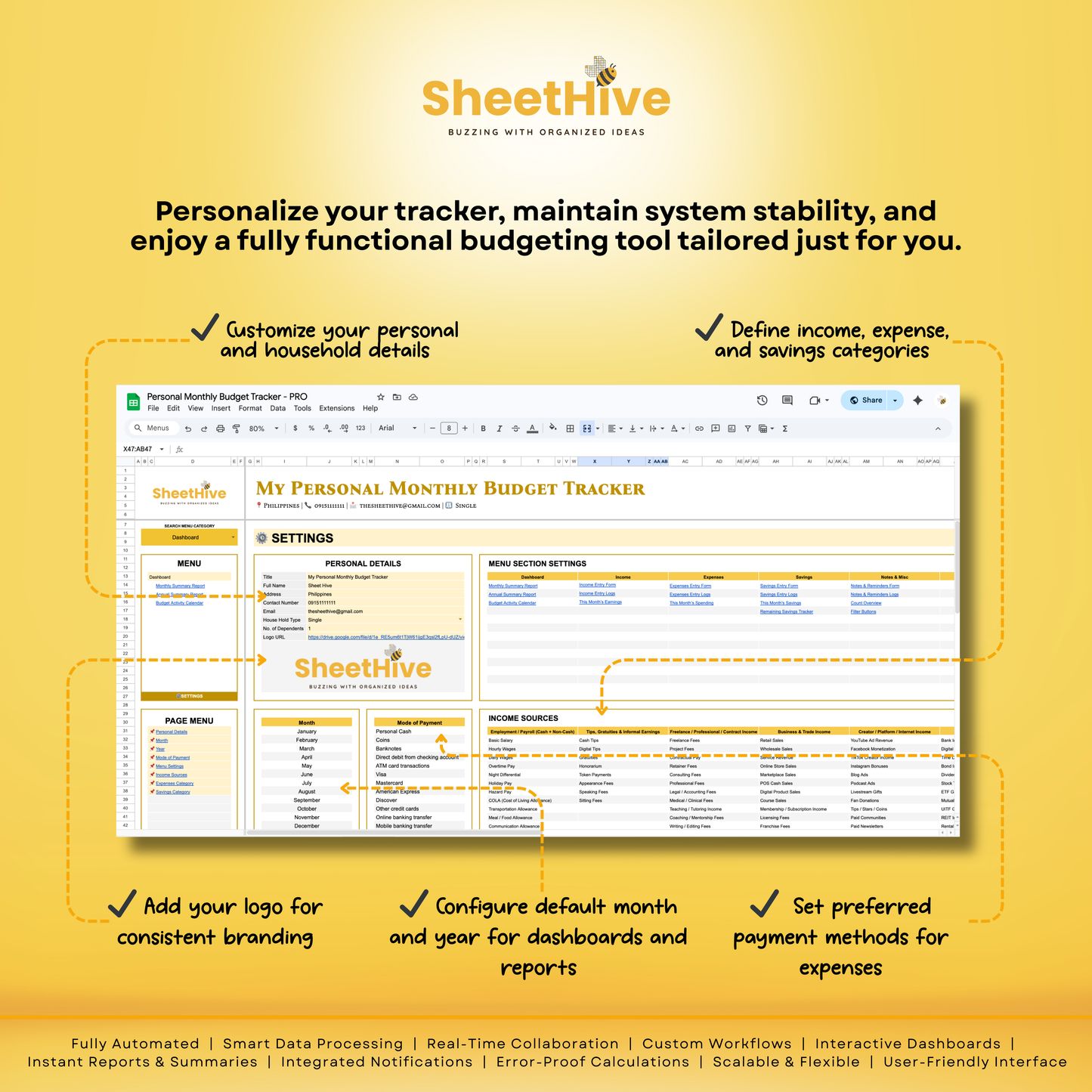
Personal Monthly Budget Tracker Pro is an all-in-one smart budgeting system designed to give you total clarity over your money—monthly and annually. It automatically organizes your income, expenses, savings, notes, and reminders into a clean dashboard that updates instantly as you record data. No manual calculations, no messy tracking—just clear insights that help you spend smarter, save better, and stay in control.
Built to feel effortless, responsive, and reliable—so your focus stays on decisions, not formulas.
Who This Is Best For
✔️ Individuals who want full control of their monthly cash flow ✔️ Professionals and freelancers tracking variable income ✔️ Families managing shared expenses and savings goals ✔️ Budgeters who want automation without complicated setups ✔️ Anyone tired of manual tracking and scattered finance notes
Key Features
✨ Smart dashboard that updates instantly by month and year ✨ Automatic income, expense, and savings calculations ✨ Visual progress bars to track budget targets and performance ✨ Category-based charts for easy trend spotting ✨ Built-in activity calendar for financial visibility ✨ Intelligent summaries with insights and action tips ✨ Clean forms with one-click recording and bulk delete options ✨ Real-time balance tracking for savings goals ✨ Downloadable annual summary for records and planning