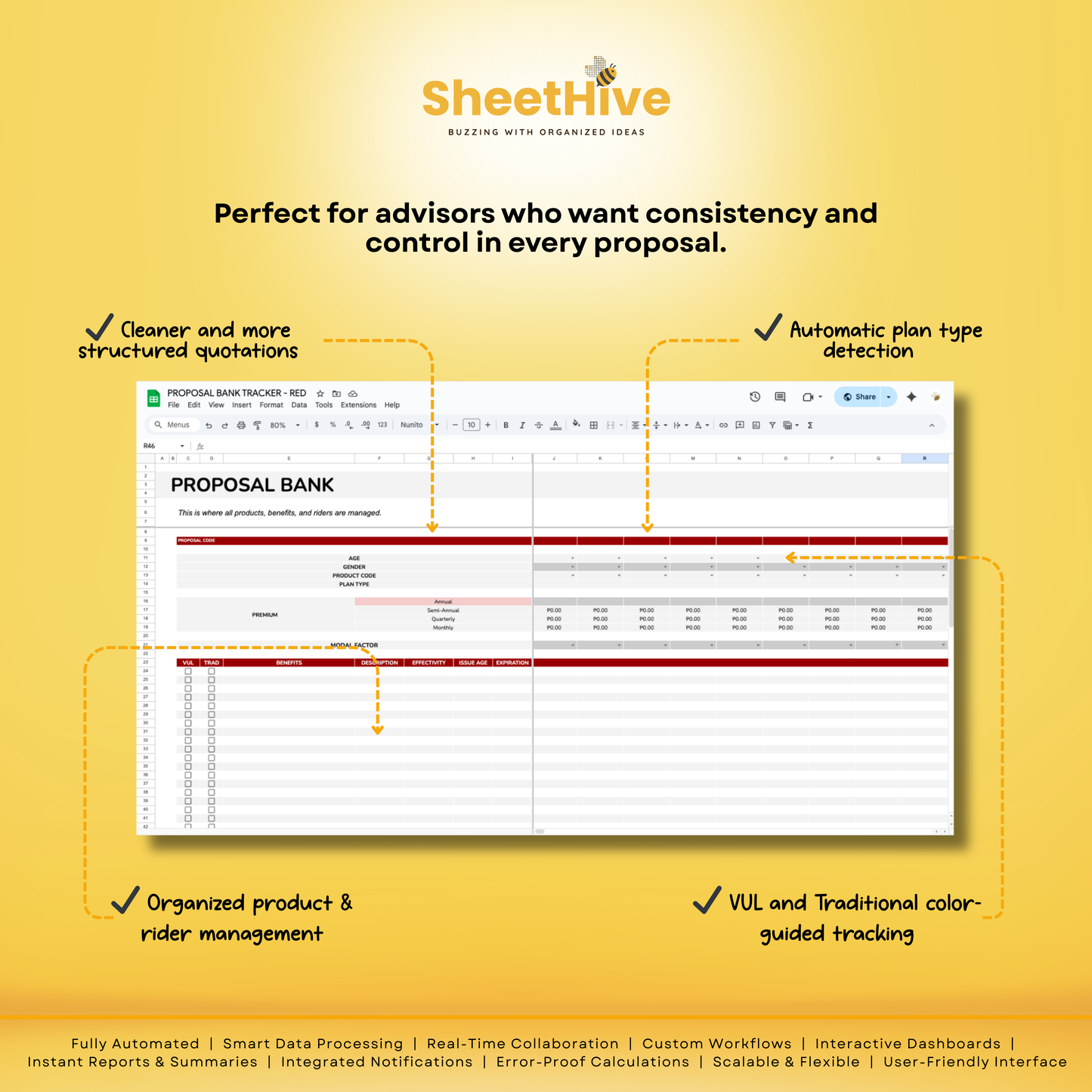
Proposal Bank Tracker for Financial Advisor and Insurance Agent PRO - RED
Proposal Bank Tracker for Financial Advisor and Insurance Agent PRO - RED
Product Description
Proposal Bank (PRO) is a smart, structured proposal management system built specifically for financial advisors and insurance agents.
It centralizes agents, products, benefits, riders, and quotations into one seamless workflow, allowing you to generate clean, accurate, and professional client proposals with minimal effort.
Designed to reduce manual work, eliminate errors, and speed up proposal creation, this system lets you focus more on advising clients and closing deals, not formatting and recalculating.
Who This Is Best For
✔️ Financial Advisors handling multiple products and clients
✔️ Insurance Agents offering VUL and Traditional plans
✔️ Teams or agencies managing multiple advisors
✔️ Advisors who want consistent, professional quotations
✔️ Anyone tired of repetitive computations and proposal errors
Key Features
✨ Centralized agent and product management
✨ Smart product detection (VUL or Traditional)
✨ Automatic proposal filtering based on license type
✨ Premium computation from annual input only
✨ Built-in support for modal factors when required
✨ Flexible proposal layout (add, insert, rearrange freely)
✨ Hideable proposal columns that sync with PDF output
✨ Automatic advisor details and proposal codes
✨ Download-ready quotations with clean formatting
✨ Activity log that tracks all generated proposals
What’s Included
📋 Settings Sheet (Agent & Product Management)
🏦 Bank Sheet (Benefits & Riders Library)
📄 Proposal Builder (Flexible Proposal Columns)
🧾 Quotation Sheet (Client-Ready Output)
📊 Activity Log (Download Tracking & Reference)
🖼️ Logo-ready quotation layout
🧮 Built-in age checker and validations
Materials and care
Materials and care
Materials
- Digital Google Sheets template
- Built using Google Sheets structure and automation
- Cloud-based file (no physical materials included)
Care Instructions
- Always make a personal copy before editing
- Do not modify protected formulas or core structure
- Create backups regularly to avoid data loss
- Use a modern browser for best performance
- Keep the original file unchanged for future use
Merchandising tips
Merchandising tips
- Make a copy of the file before adding your data
- Review all tabs to understand the template structure
- Start with sample entries to learn the workflow
- Use filters and sorting for faster navigation
- Avoid deleting preset formulas or formatting
- Duplicate the file to archive completed records
- Keep your Google Drive organized with clear file names
- Access the template using a stable internet connection
Share